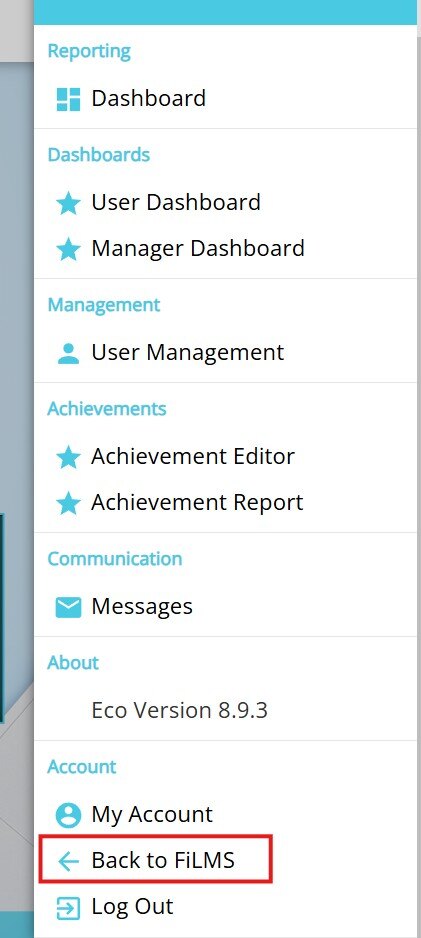
Expand the right hand menu and select Back to FiLMS.
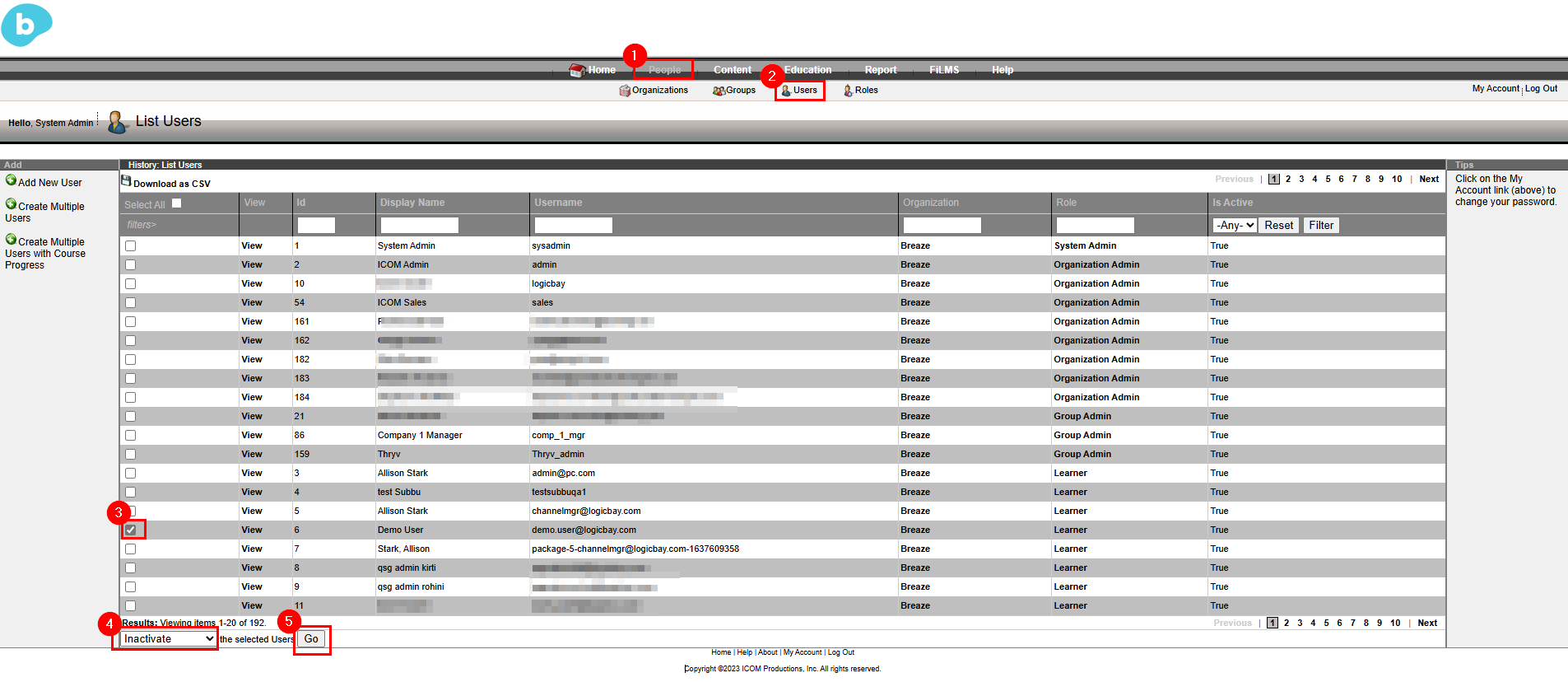
Navigate to People > Users then search for the user(s) to be deactivated. From the dropdown select Inactivate then select Go.
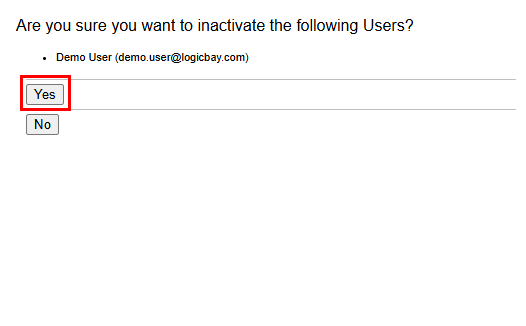
A confirmation modal will appear. Select Yes to confirm.
Expand the right hand menu and select Back to FiLMS.
Navigate to People > Users then search for the user(s) to be deactivated. From the dropdown select Inactivate then select Go.
A confirmation modal will appear. Select Yes to confirm.